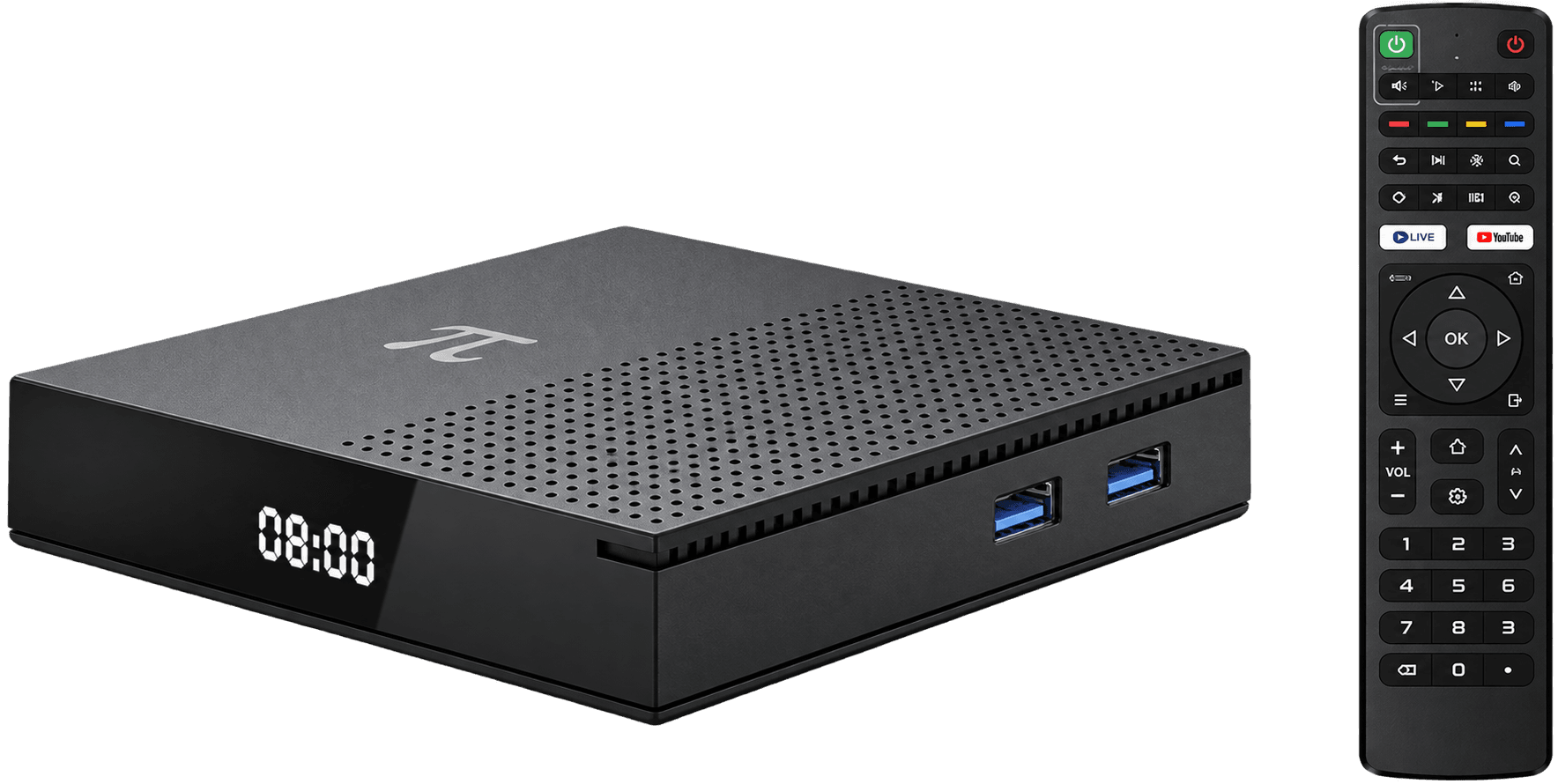
Buffering is usually a chain problem: the viewing service, internet connection, home Wi-Fi, receiver and television all contribute. Test one layer at a time instead of changing every setting.
Run the quickest checks first
Restart the receiver and router, stop large downloads, test another supported video, and move the receiver closer to the router. If Ethernet is available, compare a wired connection.
Use the right Wi-Fi band
5 GHz can be faster at shorter range; 2.4 GHz often travels farther through walls. Wi-Fi 6 helps only when both router and receiver support it. Signal quality matters more than the label alone.
Know when the service is the cause
If other services work but one live event fails, the provider or event capacity may be the bottleneck. Check the provider's status channel and avoid unsupported copies of the stream.
Quick answers
Does an 8K receiver stop buffering?
No. Buffering depends heavily on the service and network. Resolution capability alone cannot fix a slow or unstable connection.