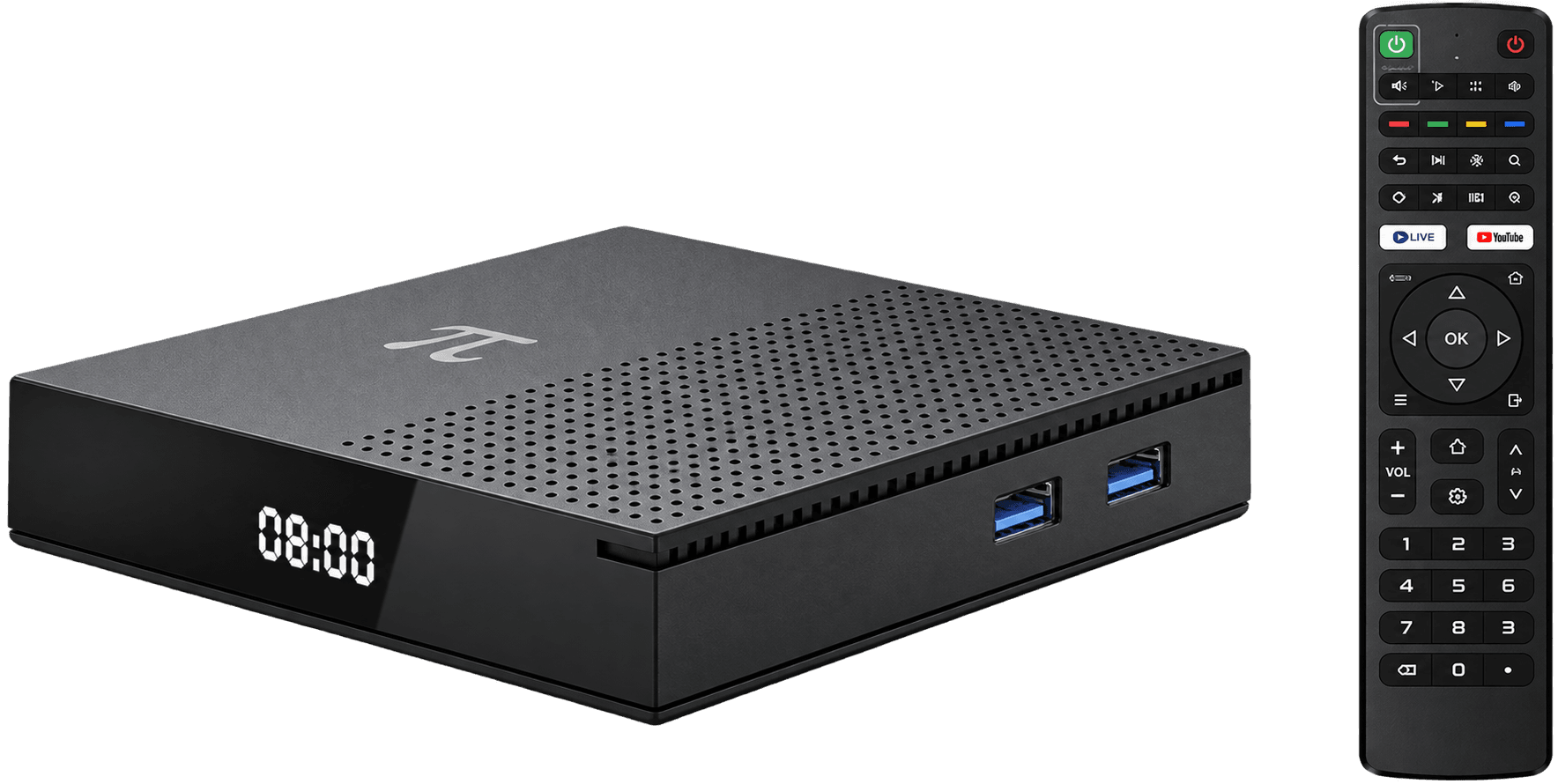
Connect the receiver to a compatible HDMI input, attach its supplied power adapter, select the correct television input, pair the remote if prompted and then connect to Wi-Fi. Follow the manufacturer’s instructions whenever they differ from a general Android TV setup.
Connect power and HDMI first
Turn the television off before arranging cables. Connect the receiver to HDMI, use the supplied power equipment, turn the television on and select the matching HDMI input. Keep ventilation openings clear.
Pair the remote and connect safely
Follow the on-screen pairing steps. Choose your own trusted Wi-Fi network and never enter an account password into an unfamiliar page or unofficial setup service.
Update before installing apps
Check for official system updates, restart if required and install only compatible apps from trusted sources. Confirm each service’s Ethiopia availability and subscription terms separately.
Quick answers
What do I need before setting up an Android TV box?
You generally need a television or monitor with compatible HDMI, the supplied power equipment, a remote and a trusted internet connection for online features.
Why is there no picture after connection?
Confirm the receiver has power, the HDMI cable is secure and the television is set to the same HDMI input. Then follow the manufacturer’s troubleshooting guide.