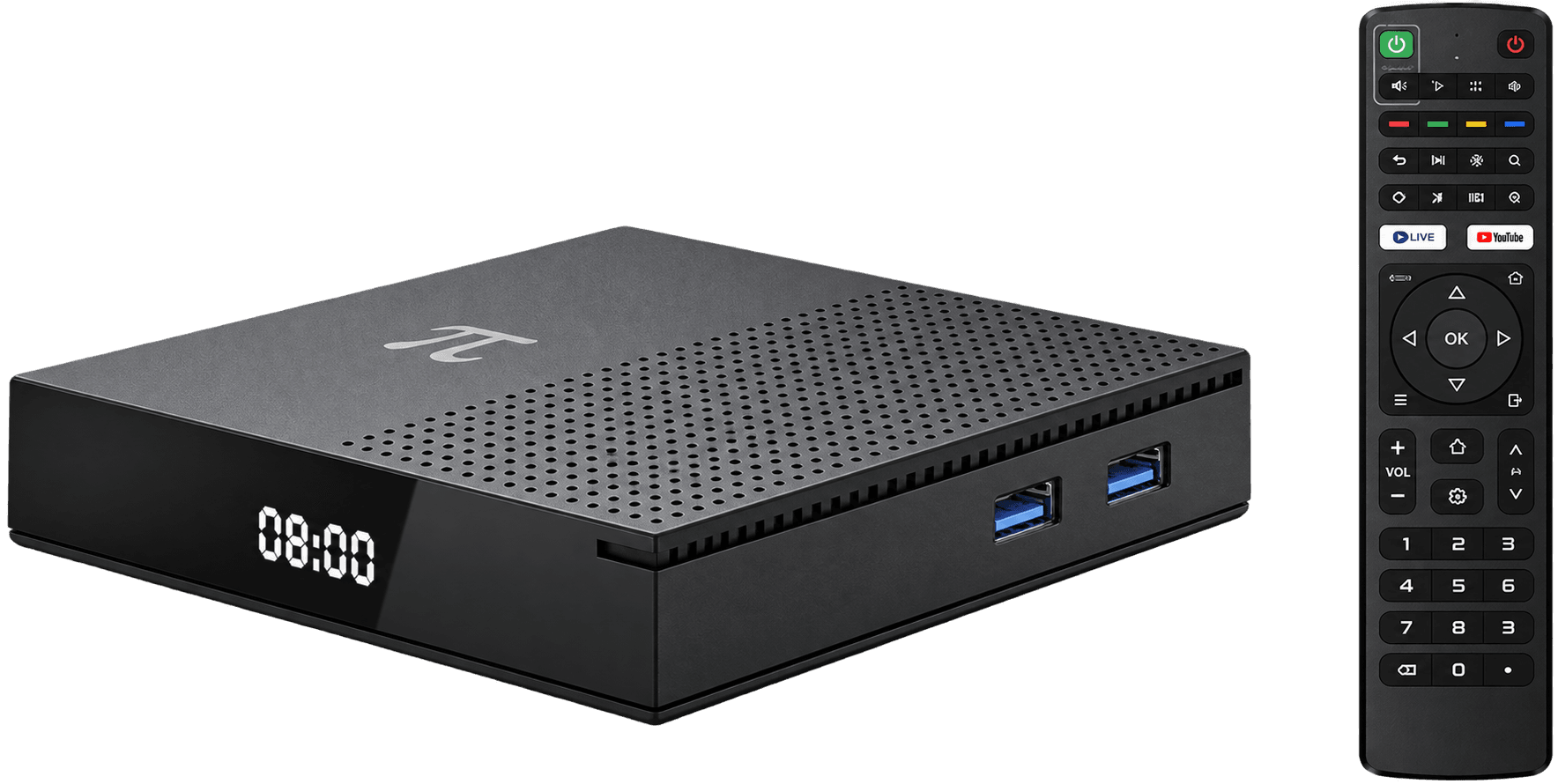
A few checks before a premiere can prevent the most common interruptions: account access, weak Wi-Fi, unexpected updates, and the wrong audio or display setting.
Ten minutes before watching
Open the authorized service, confirm the title is available in Ethiopia, check for receiver updates, and test playback. If several people share the connection, reduce large downloads during the episode.
Picture and audio basics
Use a television HDMI input that supports your desired resolution. If dialogue is difficult to hear, check the app's audio track, television sound mode, and any connected sound system before changing receiver settings.
Quick answers
Why does video buffer even with a 4K box?
Playback also depends on the service, internet speed, Wi-Fi signal, household traffic, and source quality—not only receiver resolution.